
To port your number from Google Voice to Pinnacle's 3CX system, you first need to unlock the number. If you didn't bring this number from another carrier to Google Voice originally, you'll be charged $3.
- On your computer, log in to the Google Voice account that has the phone number you want to port.
- At the top right, click Settings

 and then Account.
 - Under the Google Voice number you wish to port over to Pinnacle, click Unlock.
- Complete the payment with your Google Account.
- If successful, at the bottom left, it should display "Number unlocked."
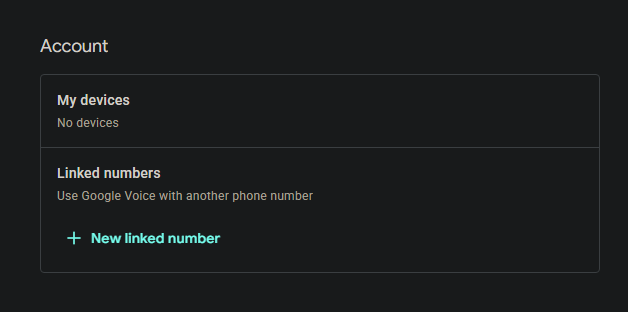
- Email Pinnacle (techsupport@pinnacletechnology.solutions) a screenshot of the account section at the top using the Clipping Tool or the PrtScreen button on your keyboard. Screenshots are preferable, but you may text a picture to 260-205-8900 if you have to
- Once we receive your screenshot, we'll initiate the port for for you - please review this article so you can tell us how you'd like calls to your number routed.
The screenshot should look similar to this - be sure it includes the number you're porting, though!

You can also find these steps in this Google support article, halfway down under "Port your Google Voice Number out to another carrier".